Quiz Customization
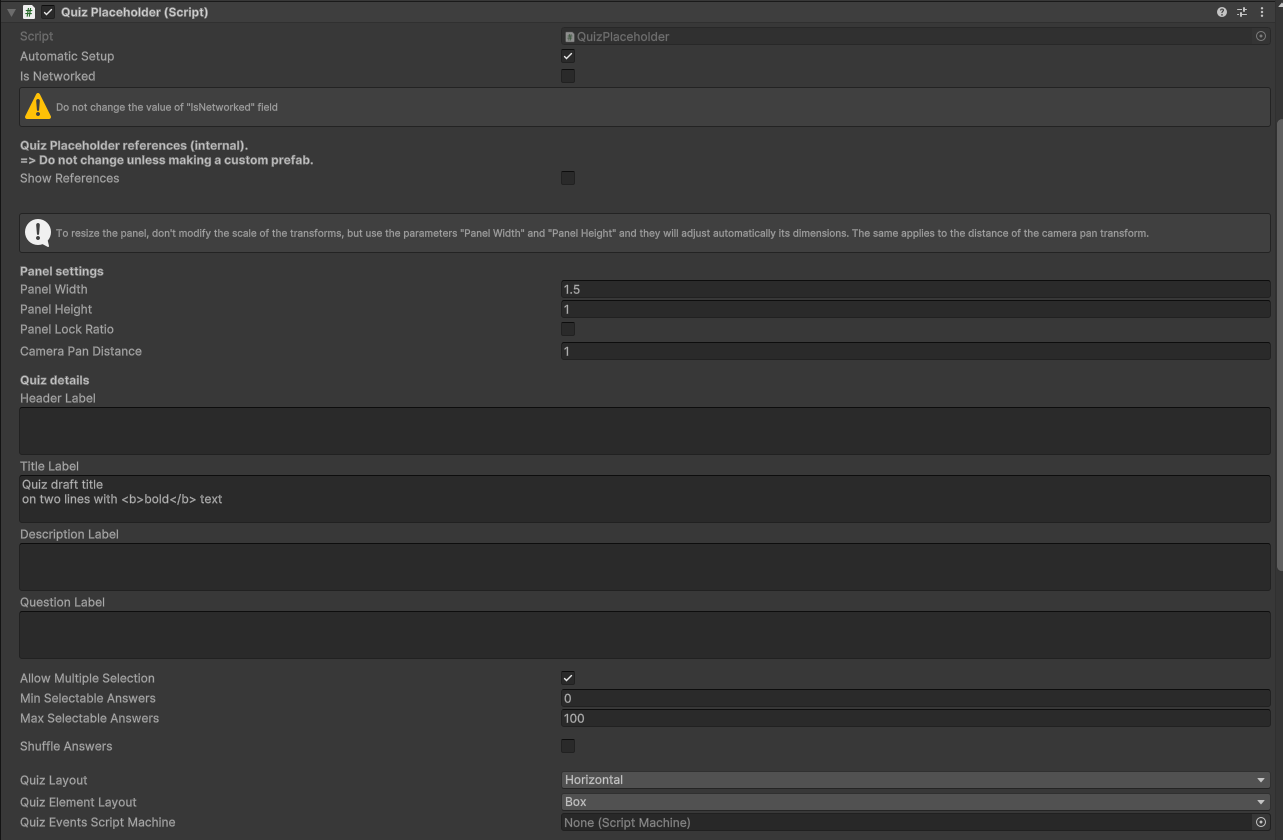
the "Base Quiz Panel" inspector offers a series of parameters that help creators to better customize the quiz content.
Note
Follow the tips written in the inspector to customize the prefab in the right way!
some of the modifiable parameters are:
- "Allow Multiple Selection": This toggle allows users to select more than one answer at the same time.
- "Min selectable answers": Works only if "Allow Multiple Selection" is active. select the minumum number of selectable answers for the question.
- "Allow Multiple Selections": Works only if "Allow Multiple Selection" is active. select the maximum number of selectable answers for the question.
- "Shuffle Answers": Give a different order to the answers avery time the quiz is started.
- "Quiz Layout": Select the answer's disposition on the panel.
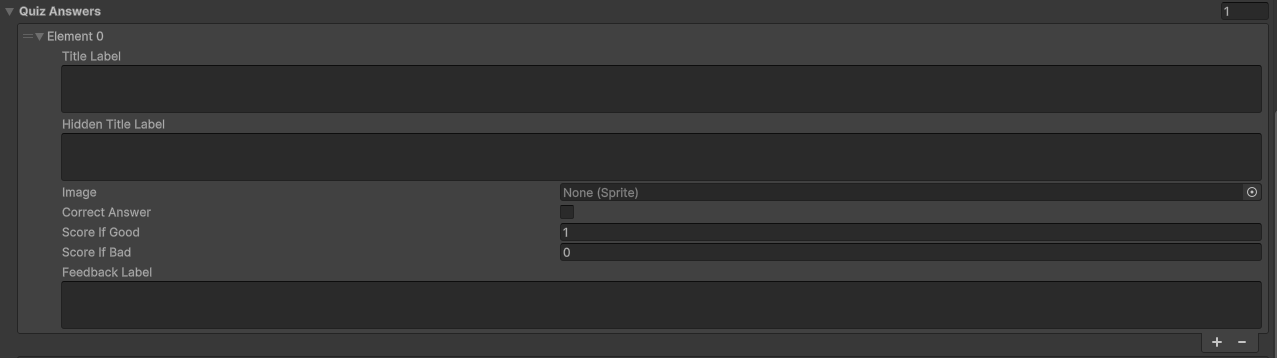
The last manageable parameter is "Answers". From here it's possible to customize how many answers are available per quiz, decide which ones are the correct ones and customize their appearence with images and a point system.